Prompt Tool Optimization Checklist!
Master multiple AI tools and optimize prompts for each platform
What You’ll Get
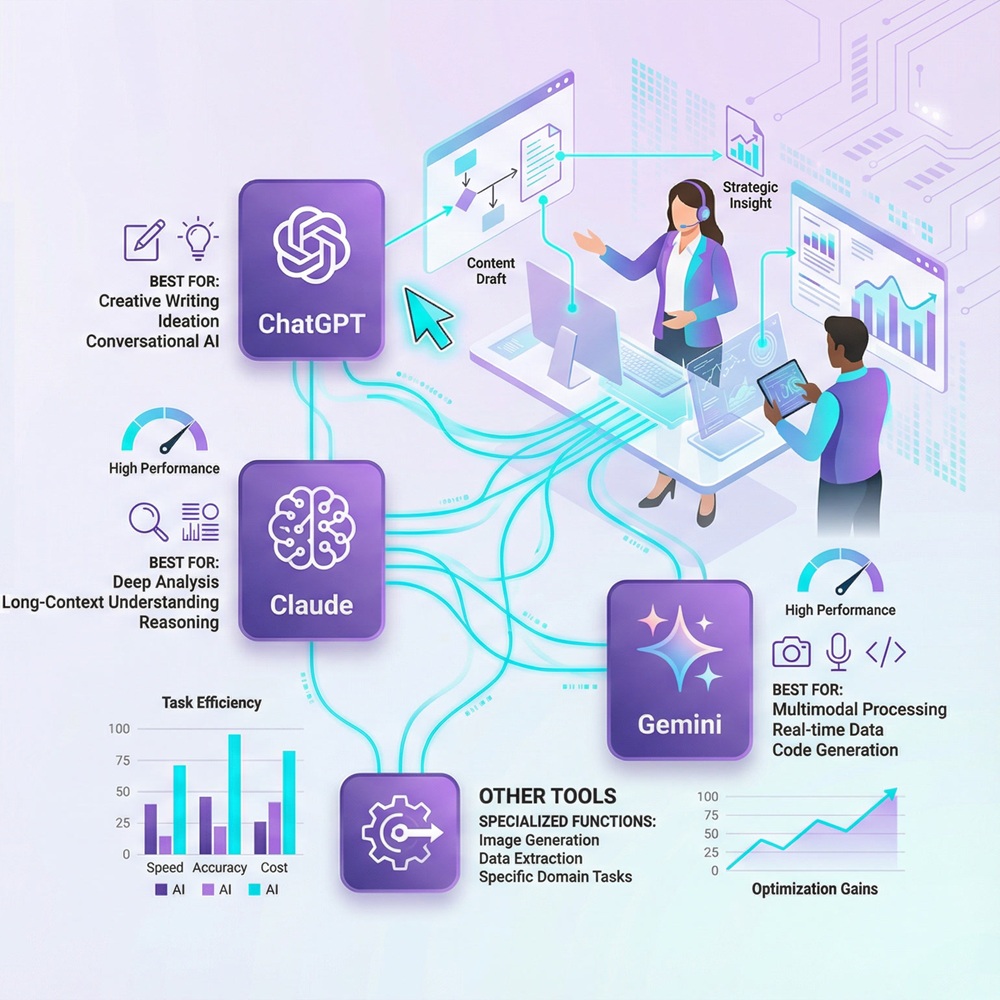
Different AI tools have different strengths. ChatGPT is great for brainstorming, Claude is better for complex analysis, and Gemini is faster for quick tasks. This checklist helps you test different tools, understand their strengths, create tool-specific prompt variations, and troubleshoot common issues. You’ll know exactly which tool to use for each task and how to structure prompts for maximum performance on each platform.
4
Major AI Tools
12
Tool Comparisons
3x
Speed Improvement
KEY ITEMS INCLUDED
✓ ChatGPT strengths and use cases documented
✓ Claude best practices identified
✓ Gemini optimization strategies created
✓ Tool-specific prompt variations created
✓ Troubleshooting guide completed
WHO IS THIS FOR
This checklist is for power users who want to leverage multiple AI tools effectively. If you’re using just one tool and don’t realize other tools might be better for specific tasks, this checklist opens your eyes.
WHY IT MATTERS
Using the wrong tool for the job is like using a screwdriver on a nail. Sure, you might get it done, but it’s inefficient. When you know which tool to use for each task, you work smarter and faster.
Get Your Checklist Now
Complete the form to receive your checklist instantly
How It Works
1. Click the button above
2. Fill in your details (takes 30 seconds)
3. Download your checklist immediately
4. Start completing your checklist today
Next Steps
After you download your checklist, you can:
✓ Work through each item at your own pace
✓ Share with your team
✓ Track your progress and celebrate wins
Power Your ❛PROMPT TOOL OPTIMIZATION CHECKLIST❜ With AI Prompts
This checklist teaches you to master multiple AI tools. The eBook includes prompts optimized for ChatGPT, Claude, Gemini, and more. Use both to become an AI expert.
🔘 100+ proven prompts for every marketing situation
🔘 Ready-to-use templates you can implement immediately
🔘 Works perfectly with this checklist
🔘 Used by solo entrepreneurs, creators, and agencies
This eBook includes the exact prompts referenced in this checklist. Use them together for exponential results.
Pro tip: Want to build a sophisticated prompt library across all your tools? Explore our complete guide on how to master AI tools and build your prompt library to create an organized, searchable system for tool-specific prompts, implement AI-powered prompt management, and scale your multi-tool workflow seamlessly.