AI for Content Creation: A Comprehensive Guide for Beginners

Have you ever stared at a blank screen, wondering how to turn your ideas into engaging content? You’re not alone. AI for Content Creation has become a game-changer for beginners and professionals alike, transforming how we write articles, design graphics, produce videos, and generate marketing materials. Whether you’re a small business owner, student, blogger, or creative professional, artificial intelligence tools can help you create quality content faster and more efficiently than ever before.
In this guide, I’ll walk you through everything you need to know about using AI for content creation. From understanding what these tools actually do to following simple steps that get real results, this article makes AI accessible for everyone—no technical background required.
What Is AI for Content Creation?
AI for content creation refers to using artificial intelligence and machine learning technologies to help generate, edit, and optimize various types of content. These tools can assist with writing blog posts, creating social media captions, designing images, editing videos, generating audio, and much more.
Think of AI as your creative assistant—one that never gets tired, can work at any hour, and learns from millions of examples to help you produce content that resonates with your audience. The technology analyzes patterns, understands context, and generates suggestions or complete outputs based on your instructions.
What makes this especially exciting for beginners is that you don’t need coding skills or years of experience. Most AI content creation tools feature simple interfaces where you type what you want, and the AI does the heavy lifting.
Why Beginners Should Use AI for Content Creation
Before diving into the how-to steps, let’s explore why AI-powered content creation makes sense for newcomers:
Time Savings: What used to take hours can now take minutes. AI helps you draft articles, create graphics, or edit videos significantly faster than traditional methods.
Cost Efficiency: Many AI tools offer free tiers or affordable subscriptions, making professional-quality content creation accessible without hiring expensive agencies or freelancers.
Overcoming Creative Blocks: Stuck on what to write or design? AI generates ideas, suggests topics, and provides starting points when inspiration runs dry.
Quality Improvement: AI tools can check grammar, enhance readability, optimize SEO, and ensure your content meets professional standards—even if you’re just starting out.
Skill Development: Using these tools actually teaches you about content creation principles. You’ll learn what makes good headlines, engaging introductions, and effective calls-to-action through AI feedback.
The beauty of AI content generation lies in its accessibility. You maintain creative control while the technology handles repetitive tasks and technical details.
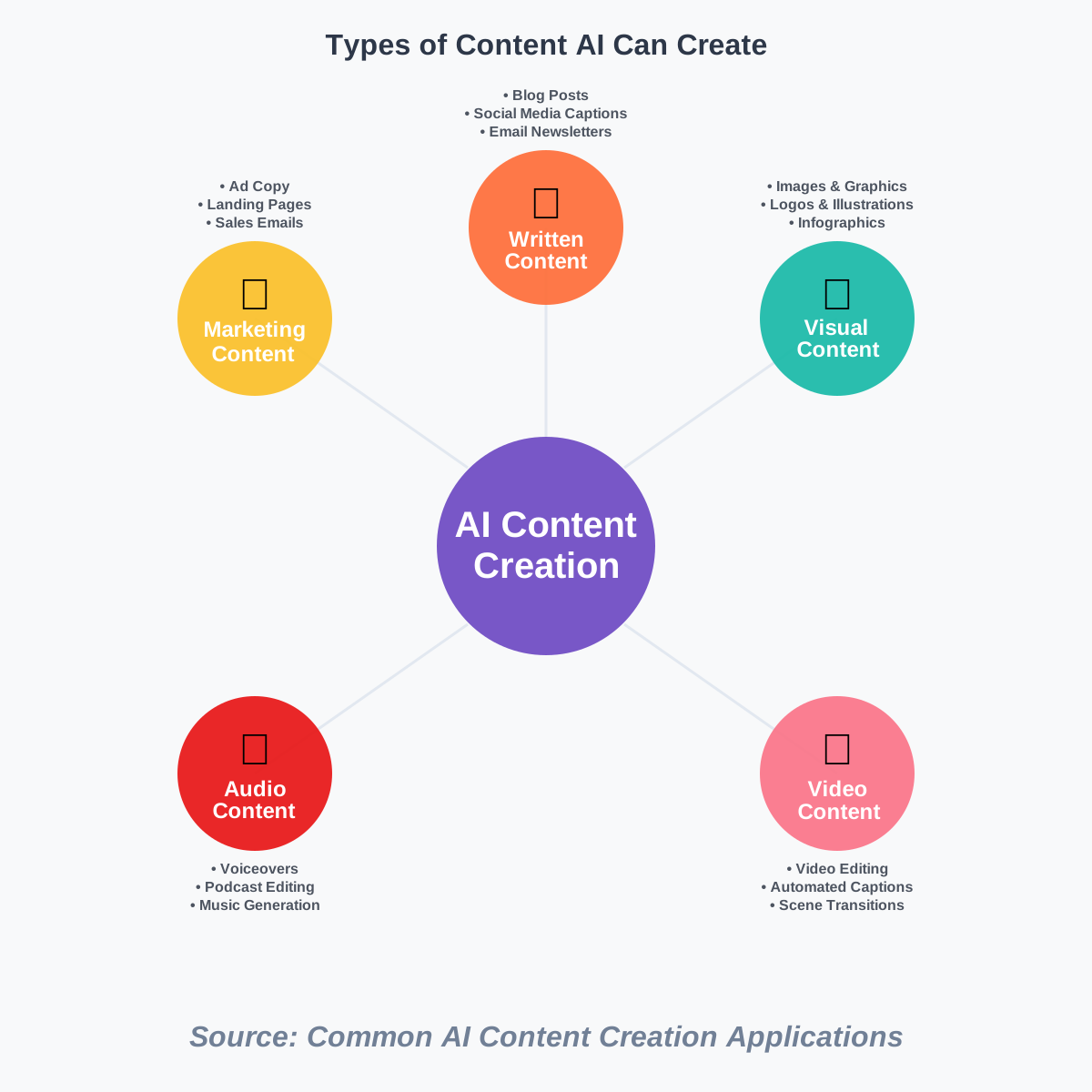
Types of Content AI Can Help You Create
AI for content creation isn’t limited to just one format. Here’s what these powerful tools can assist with:
Written Content: Blog posts, articles, social media captions, email newsletters, product descriptions, and scripts. AI writing assistants can help with everything from brainstorming to final edits.
Visual Content: Images, graphics, logos, infographics, and illustrations. AI design tools let you create professional visuals without graphic design experience.
Video Content: Video editing, automated captions, scene transitions, and even full video generation from text prompts. AI video tools streamline production workflows dramatically.
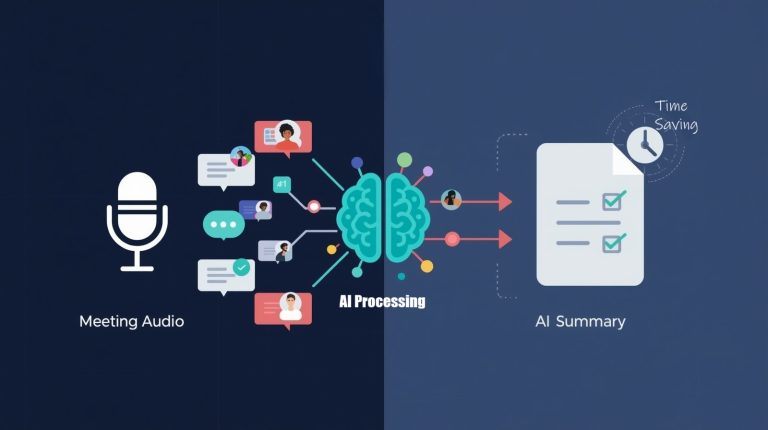
Audio Content: Podcasts, voiceovers, music, and sound effects. AI can generate realistic speech, transcribe audio, and even create background music.
Marketing Materials: Ad copy, landing pages, sales emails, and promotional content. AI helps optimize messaging for better engagement and conversions.
This versatility means you can use AI across your entire content strategy, maintaining consistency while producing diverse formats that reach different audiences.
Step-by-Step Guide: Getting Started with AI for Content Creation
Now let’s walk through the practical steps to start using AI for content creation today. I’ve broken this down into clear, actionable stages that anyone can follow.
Step 1: Identify Your Content Needs
Before selecting any tool, clarify what type of content you want to create. Ask yourself:
- What format do I need? (blog posts, social media, videos, images)
- Who is my target audience?
- What’s my content goal? (inform, entertain, sell, educate)
- How often will I create content?
Writing down these answers helps you choose the right AI content tools for your specific situation. For example, if you’re a blogger, you’ll prioritize AI writing tools. If you run a visually heavy Instagram account, AI image generators become more important.
Step 2: Choose the Right AI Tools
Based on your needs from Step 1, select appropriate tools. Here are beginner-friendly options:
For Writing: Tools like ChatGPT, Jasper, or Copy.ai help generate articles, social posts, and marketing copy. Start with free versions to experiment.
For Images: Platforms like Canva (with AI features), DALL-E, or Midjourney create custom graphics and illustrations from text descriptions.
For Video: CapCut, Descript, or Runway offer AI-powered editing, transcription, and video generation features.
For Audio: ElevenLabs generates realistic voiceovers, while tools like Descript help with podcast editing and transcription.
Don’t feel pressured to use everything at once. Start with one tool that addresses your primary content need, master it, then expand to others.
Step 3: Learn the Basics of Prompting
Prompting is how you communicate with AI tools—it’s simply the instructions or requests you provide. Good prompts get better results.
Here’s how to write effective prompts:
Be Specific: Instead of “write about marketing,” try “write a 500-word blog post about email marketing tips for small business owners.”
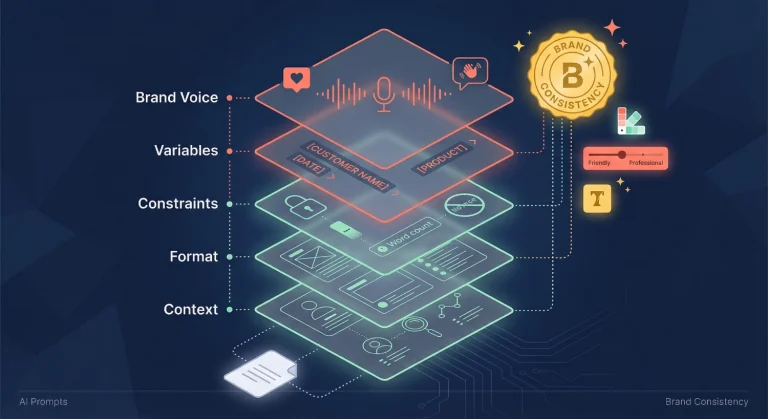
Provide Context: Tell the AI your audience, tone, and purpose. Example: “Write in a friendly, conversational tone for beginners.”
Include Examples: Show the AI what you want. “Write a social media caption similar to this style: [paste example].”
Iterate and Refine: If the first result isn’t perfect, adjust your prompt with more details or different directions.
The more you practice prompting, the better you’ll become at getting exactly what you need from AI content generation tools.
Step 4: Create Your First Piece of Content
Let’s put theory into practice. Here’s a simple workflow using an AI writing assistant:
Open Your Chosen Tool: Access the platform (most have web interfaces requiring just a browser).
Write Your Prompt: Use the prompting skills from Step 3. For example: “Write an engaging introduction for a blog post about healthy breakfast ideas for busy professionals. Keep it under 150 words and use a warm, encouraging tone.”
Review the Output: The AI will generate content within seconds. Read through it carefully.
Edit and Personalize: This section is crucial—always add your voice, experiences, and adjustments. AI provides the foundation; you make it uniquely yours.
Check for Accuracy: Verify any facts, statistics, or claims the AI includes. While generally reliable, AI can occasionally make mistakes.
Remember, the goal isn’t to let AI do everything. It’s to use AI as a starting point that you enhance with your knowledge and creativity.
Step 5: Optimize and Refine Your Content
Once you have your draft, take these additional steps:
SEO Optimization: If creating web content, ensure your primary keywords appear naturally. Tools like Surfer SEO or even ChatGPT can suggest keyword placement.
Readability Check: Use tools like Hemingway Editor to ensure your content is easy to read and understand.
Visual Enhancement: Add relevant images, infographics, or videos to break up text and increase engagement.
Formatting: Use headings, bullet points, and short paragraphs to improve scanability—just like this article does.
Consistency Check: Ensure tone, style, and messaging align with your brand or personal voice throughout the piece.
These refinements transform good AI-generated content into excellent, polished material that truly resonates with readers.
Step 6: Establish a Content Creation Workflow
As you grow comfortable with AI tools, develop a consistent workflow:
Planning: Outline topics, keywords, and content calendar for the week or month.
Generation: Use AI to create initial drafts, designs, or video scripts based on your plan.
Editing: Review, personalize, and enhance all AI-generated content with your expertise.
Publishing: Post your content across appropriate platforms (blog, social media, YouTube, etc.).
Analysis: Track performance metrics to understand what works and refine your approach.
Having a systematic workflow makes AI-powered content creation sustainable long-term rather than a one-time experiment.
Common Mistakes Beginners Make (And How to Avoid Them)
Through my experience helping people get started with AI for content creation, I’ve noticed several common pitfalls:
Publishing Without Editing: Never post AI-generated content without reviewing and personalizing it. Readers can tell when content lacks human touch, and search engines increasingly penalize purely AI-written material.
Over-Reliance on AI: Use AI as a tool, not a replacement for your thinking. Your unique perspective, experiences, and insights make content valuable.
Ignoring Your Audience: AI doesn’t know your specific audience like you do. Always tailor generated content to your readers’ needs, questions, and preferences.
Choosing Too Many Tools: Beginners often try everything at once and feel overwhelmed. Master one tool before adding others to your toolkit.
Expecting Perfection: AI is powerful but not perfect. It makes mistakes, sometimes generates repetitive content, and occasionally misses the mark. That’s normal—just edit accordingly.
Forgetting SEO Basics: While AI can help with SEO content creation, you still need to understand fundamentals like keyword research, meta descriptions, and internal linking.
Avoiding these mistakes accelerates your learning curve and produces better results from day one.
Tips for Getting Better Results
Want to maximize your AI content creation outcomes? Try these practical tips:
Experiment with Different Prompts: Don’t settle for your first attempt. Try various ways of asking for what you want—different phrasings yield different results.
Use AI for Brainstorming: Even if you write content manually, let AI help generate topic ideas, outlines, or creative angles you hadn’t considered.
Combine Tools: Use an AI writing tool for text, then an AI design tool for accompanying graphics. The combination creates more comprehensive content.
Save Effective Prompts: When you discover prompts that work well, save them as templates. This builds your personal library of successful approaches.
Stay Updated: AI tools evolve rapidly. Follow tool updates, new features, and best practices to continually improve your skills.
Join Communities: Online communities of AI users share tips, prompts, and solutions. Learning from others accelerates your progress significantly.
The key to success with AI-generated content lies in viewing it as a collaborative process between you and the technology.
Real-World Applications for Beginners
Let’s explore how different types of beginners actually use AI for content creation:
Small Business Owners: Create social media posts, email newsletters, and product descriptions quickly without hiring writers. AI helps maintain consistent content output despite busy schedules.
Students: Generate essay outlines, research summaries, and study materials. AI helps organize thoughts and presents information in clear, understandable formats.
Bloggers: Overcome writer’s block, draft articles faster, and optimize content for search engines. Many successful bloggers use AI to increase publishing frequency.
Social Media Managers: Generate caption variations, hashtag suggestions, and content ideas across multiple platforms. AI enables managing several accounts efficiently.
Freelancers: Scale content production, take on more clients, and deliver projects faster. AI acts as a force multiplier for independent professionals.
These real examples show that AI content creation tools serve diverse needs across different contexts—there’s likely an application perfect for your situation.
Frequently Asked Questions
Taking Your First Steps Today
You’ve now learned the fundamentals of AI for content creation—from understanding what these tools do to following step-by-step processes that get results. The most important thing to remember is that AI should enhance your creativity, not replace it.
Start small. Choose one tool that addresses your most pressing content need. Spend time experimenting with prompts and learning how the technology responds to different instructions. Edit everything the AI produces, adding your unique voice and perspective. Build confidence through practice.
The content creation landscape has transformed dramatically, and AI puts professional-quality tools in everyone’s hands. You don’t need to be a tech expert, have years of experience, or invest thousands of dollars. You just need curiosity, willingness to learn, and commitment to creating valuable content for your audience.
Remember, every expert started as a beginner. Your first AI-generated piece might not be perfect, and that’s completely okay. With each creation, you’ll improve your prompting skills, develop better editing judgment, and discover innovative ways to leverage these powerful tools.
So why wait? Pick an AI content creation tool today, follow the steps I’ve outlined, and create your first piece of content. You might be surprised at how quickly you produce quality material that engages your audience and achieves your goals. The future of content creation is here—and it’s more accessible than ever before.
About the Author
Abir Benali is a friendly technology writer who specializes in making AI tools understandable for non-technical users. With a passion for demystifying complex technologies, Abir helps beginners discover how AI can simplify their work and unleash their creativity. Through clear explanations and practical examples, Abir empowers readers to confidently explore the world of artificial intelligence in their everyday lives.