
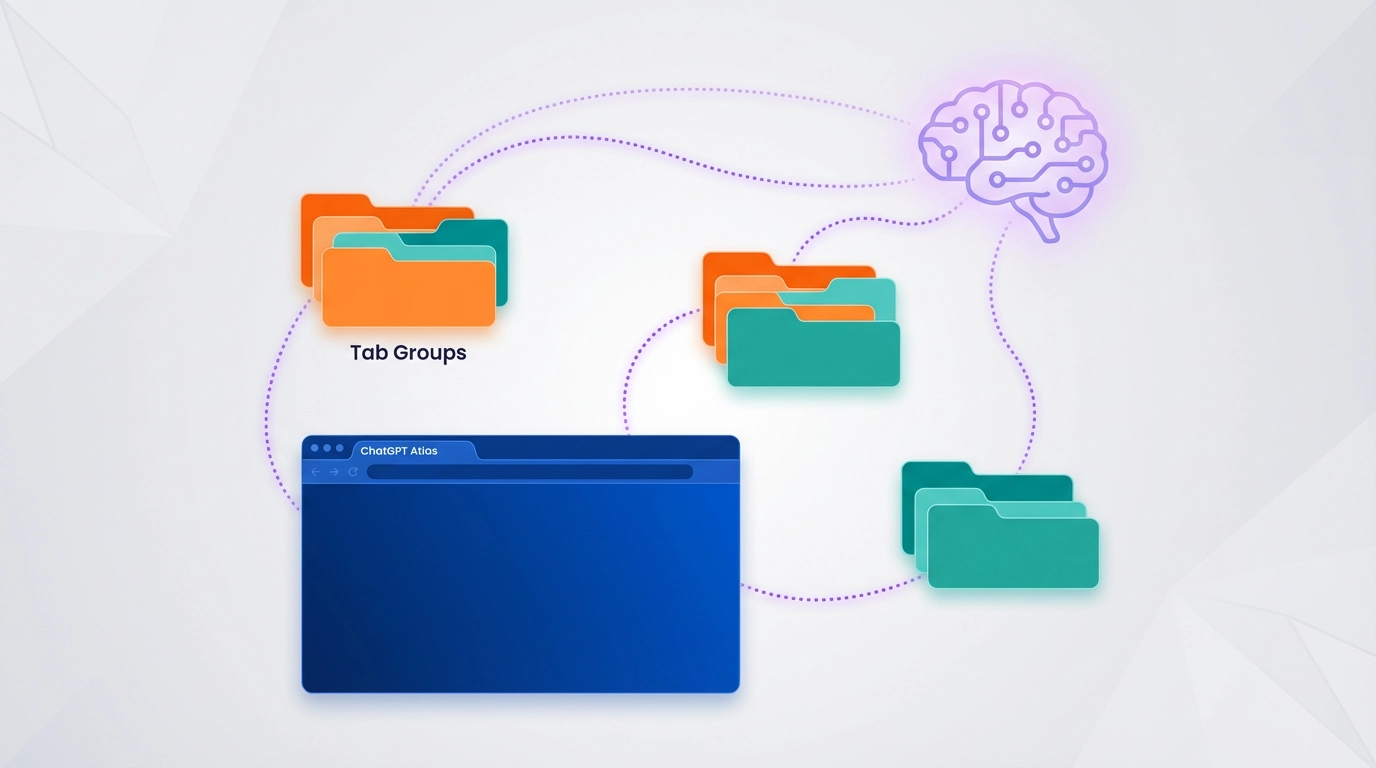
ChatGPT Atlas Adds Tab Groups, Smarter Search
OpenAI’s ChatGPT Atlas browser adds tab groups and intelligent search switching in its latest update, making the AI-powered browser more practical for everyday users. The update rolled out this week for macOS users, bringing features that help organize browsing sessions more efficiently.
Key Points
- Tab groups feature lets users organize multiple tabs into named, color-coded groups with emoji support
- Auto search mode automatically switches between ChatGPT and Google based on query type
- Vertical search layout displays links in a stacked format for easier scanning
- Update includes performance improvements, bug fixes, and better iCloud Passwords integration
- Atlas remains macOS-exclusive, but Windows, iOS, and Android versions are coming soon
Background
ChatGPT Atlas launched in October 2025 as OpenAI’s first dedicated web browser with built-in AI capabilities. Unlike traditional browsers with AI extensions, Atlas integrates ChatGPT directly into the browsing experience, offering features like browser memories, agent mode for task automation, and contextual assistance (ℹ️ OpenAI).
The browser has been receiving regular updates since launch, with a major November update introducing vertical tabs and Google search integration (ℹ️ MacRumors). This latest update continues OpenAI’s commitment to closing feature gaps with mainstream browsers while maintaining its AI-first approach.
What Happened
OpenAI released a significant update to ChatGPT Atlas on January 22, 2026, with tab groups as the headline feature. According to Adam Fry, product lead for ChatGPT Atlas, users can now organize tabs by right-clicking to create groups or by selecting multiple tabs and grouping them together. The groups can be named and customized with emojis for quick identification (ℹ️ Business Standard).
The update also introduces an “Auto” search mode that intelligently switches between ChatGPT and Google depending on the query. This means users no longer need to manually toggle search engines based on whether they want conversational AI answers or traditional search results (ℹ️ Digital Trends).
Additional improvements include fixes for vertical tab “mini mode,” a simplified right-click context menu, and a refreshed search results interface with vertically stacked links. Safari users migrating to Atlas now receive prompts to install the iCloud Passwords extension during setup.
Why It Matters
These updates address common pain points for users managing multiple research topics or complex workflows. Tab groups are essential for power users who juggle dozens of open pages, and the feature brings Atlas closer to parity with established browsers like Chrome and Safari.
The intelligent search switching represents a practical approach to AI integration. Rather than forcing users to choose between AI-powered answers and traditional search results, Atlas now makes that decision automatically based on query context. This reduces friction and makes the browser feel smarter without adding complexity.
For users considering Atlas as their daily browser, these updates signal OpenAI’s commitment to building a full-featured browsing experience rather than just an AI novelty. The regular update cadence—this is the second major update in early 2026—shows the company is serious about competing with mainstream browsers (ℹ️ WiFi Planet).
What’s Next
Adam Fry hinted at upcoming features, including proper support for multiple ChatGPT logins, improved window management, mobile-focused enhancements, and more advanced agent capabilities (ℹ️ Business Standard).
OpenAI has confirmed that Windows, iOS, and Android versions are in development, though no release timeline has been announced (ℹ️ News9Live).
Deep Details
The tab groups implementation follows familiar patterns from Chrome and Safari, making it easy for users to adapt. Users can select multiple tabs using command-click or shift-click, then group them with a right-click. The groups support custom names and emoji markers, adding personality while maintaining organization.
The Auto search mode represents a more nuanced approach to AI integration. Rather than completely replacing traditional search, it recognizes that different queries require different approaches. Quick facts and current information might work better with Google, while complex questions benefit from ChatGPT’s conversational interface.
Performance improvements in this update reduce memory usage and help prevent slowdowns when many tabs are open. The “Ask ChatGPT” sidebar also received quick suggestions to make common tasks faster to initiate.
Source: Multiple sources including MacRumors, Digital Trends, Business Standard, News9Live—Published on January 22-23, 2026
Original articles:
About the Author
Abir Benali, a friendly technology writer, wrote this article to explain AI tools to non-technical users. Abir specializes in making complex AI concepts clear and actionable for everyday readers.