
Chrome Adds AI Agent That Browses Web For You
What Auto Browse Actually Does
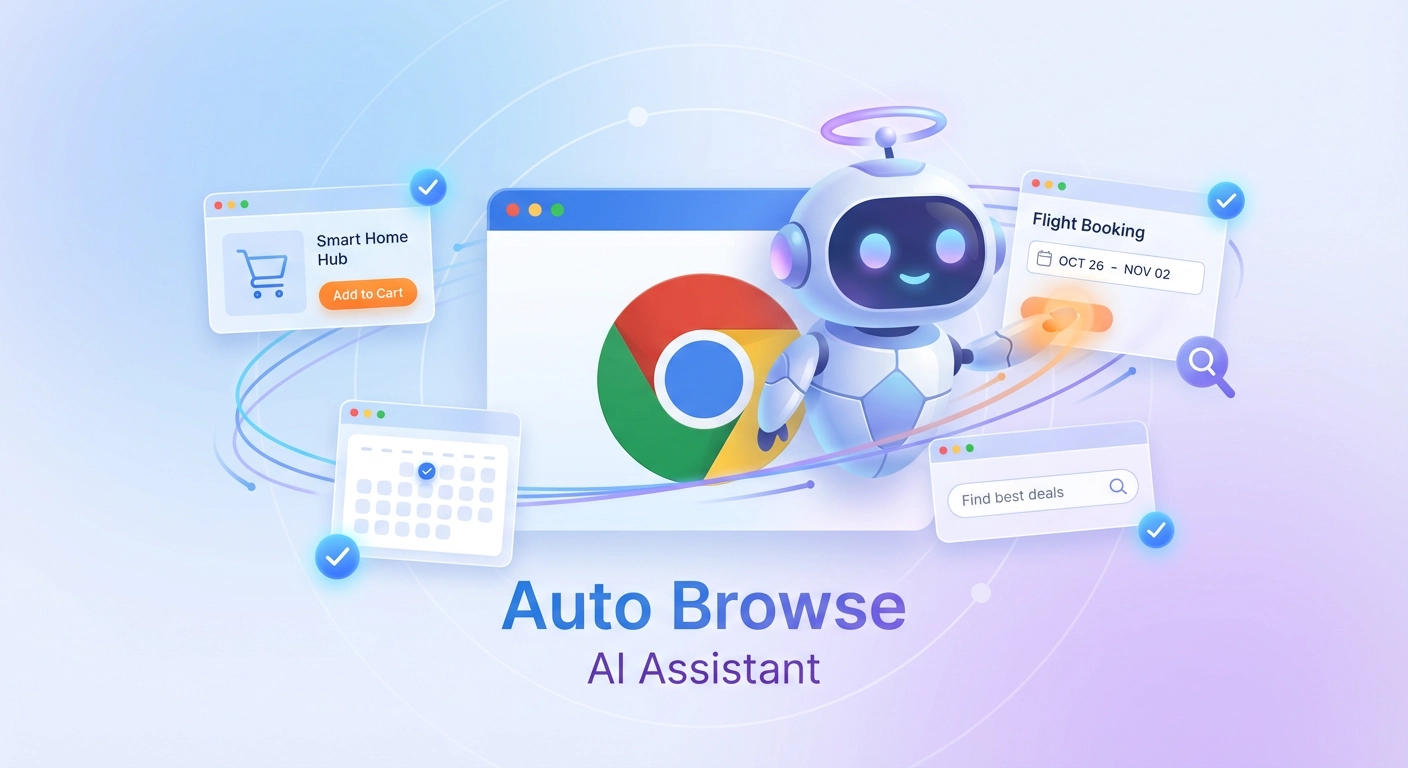
Instead of manually clicking through websites, you can now ask Chrome’s AI to handle tedious online tasks. According to Google’s official blog, Auto Browse can research vacation options, compare prices across multiple sites, filter apartment listings, and even fill out complex forms.
The feature works through a new side panel that stays visible while you browse. You type your request, and the AI navigates websites just like you would – clicking links, reading pages, and gathering information. You stay in control throughout, with the AI asking permission before completing sensitive actions like purchases.
Who Can Access This Feature
Auto Browse is currently available only to Google AI Pro and AI Ultra subscribers in the United States. The feature launched on Windows, macOS, and Chromebook Plus devices (ℹ️ BGR).
Regular Chrome users can still access other new Gemini features for free, including the side panel assistant and Nano Banana image generation, but Auto Browse remains a premium feature for now.
How It Works In Real Life
Google demonstrated Auto Browse plans for a Y2K-themed party. The AI identified decorations from a photo, searched multiple retailers, added items to shopping carts while staying within budget, and even applied discount codes. The user simply reviewed the AI’s work and completed the final purchase.
Other practical uses include scheduling appointments, collecting tax documents, comparing insurance quotes, managing subscription services, and researching hotels across different dates (ℹ️ Google Blog).
Connected Apps Make It Smarter
Auto Browse integrates with Gmail, Calendar, YouTube, Maps, Google Shopping, and Google Flights. This means the AI can pull information from your email to book flights, check your calendar for available dates, and draft follow-up messages – all from the side panel without switching tabs.
Safety Features Built In
Google designed Auto Browse with security controls to address privacy concerns. The AI must request permission before making purchases, posting on social media, or handling sensitive information. Users can view each step the AI takes and interrupt the process anytime (ℹ️ Google Security Blog).
The Bigger Picture
This launch positions Chrome against competitors like OpenAI’s Atlas browser, which launched in October 2025. With Chrome holding over 65% of the global browser market, Google’s integration of AI directly into the browser gives it a significant advantage over standalone AI tools.
Auto Browse represents a shift toward “agentic AI” – systems that don’t just respond to prompts but actively complete multi-step tasks. Google calls these capabilities essential for handling “digital laundry” – the repetitive online tasks that consume hours but require little creativity.
What’s Next
Google plans to expand Auto Browse capabilities and bring Personal Intelligence to Chrome in coming months. This feature will allow Chrome to remember context from past conversations and provide personalized assistance based on your browsing history and preferences.
For now, the feature remains in preview mode for premium subscribers, but Google’s pattern suggests broader rollout once testing confirms reliability and security.
About the Author
Abir Benali, a technology writer who specializes in making AI tools accessible to everyday users, wrote this article. Abir focuses on practical, jargon-free explanations that help non-technical readers understand and use new technology effectively.