Apple Creator Studio: Ultimate Beginner’s Guide

Transform your creative vision with Apple’s powerful new subscription bundle—here’s everything you need to know to get started today
What Just Happened? The Big News
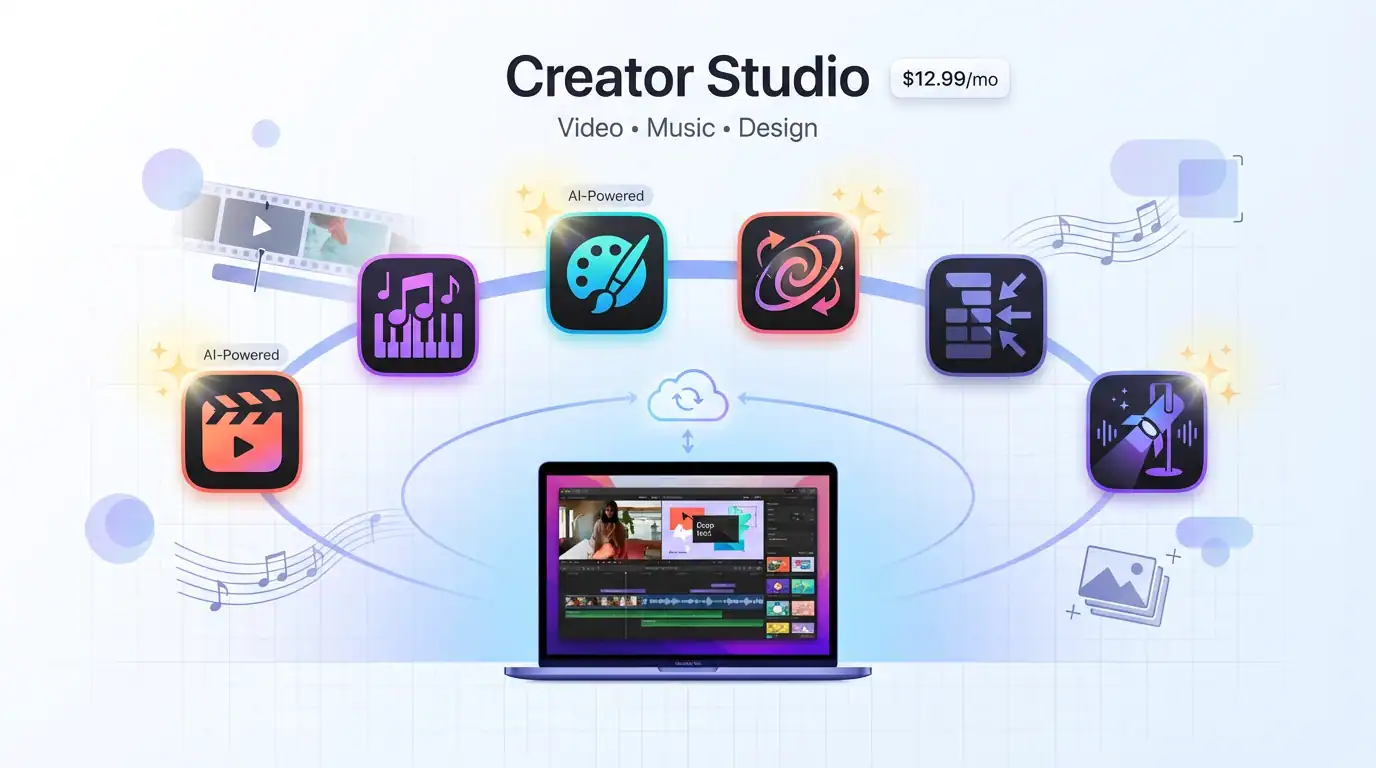
Apple Creator Studio Pro just launched today, January 28, 2026, and it’s already making waves in the creative community. This groundbreaking subscription bundle packages six professional-grade creative applications—Final Cut Pro, Logic Pro, Pixelmator Pro, Motion, Compressor, and MainStage—along with exclusive AI-powered features for Apple’s productivity apps. At $12.99 per month (or $129 annually), you’re getting access to tools that would cost $680 if purchased separately.
Here’s what makes this launch particularly exciting: Apple is bringing studio-grade creative power to everyone, from professional filmmakers and musicians to students just starting their creative journey. The subscription model means you can access these powerful tools without the hefty upfront investment that previously kept many creators on the sidelines.
The most transformative part? Apple has infused these apps with intelligent AI features that don’t just automate tasks—they enhance your creative process. From AI-powered video search in Final Cut Pro to intelligent music creation in Logic Pro, these tools are designed to amplify your creativity, not replace it.
What’s Inside Apple Creator Studio Pro?
Let me break down exactly what you’re getting with this subscription, and more importantly, how each tool can transform your creative workflow.
Video Editing Powerhouse: Final Cut Pro
Final Cut Pro is Apple’s flagship video editing software, and the Creator Studio version comes with game-changing AI features:
Transcript Search lets you find the perfect soundbite by simply typing what you’re looking for. Imagine editing a two-hour interview and instantly locating that brilliant quote about “creative inspiration”—no more scrubbing through endless footage.
Visual Search takes this further by finding specific objects or actions in your video. Looking for all the shots where someone is holding a coffee cup? Just search for it.
Beat Detection analyzes your music tracks and displays the beat grid right in your timeline. Creating fast-paced music videos or social content becomes exponentially easier when you can visually align your cuts to the rhythm.
For iPad users, Montage Maker uses AI to automatically create dynamic videos from your footage, analyzing the best visual moments and cutting them together with your chosen music.
Music Creation Suite: Logic Pro and MainStage
Logic Pro brings professional music production to your fingertips with revolutionary new features:
Synth Player is like having a skilled synthesizer player in your studio. This AI Session Player can generate chordal and synth bass parts across various styles, helping you explore new musical directions without needing years of keyboard training.
Chord ID acts as your personal music theory expert. Record any audio or MIDI, and it automatically identifies the chords, creating a ready-to-use chord progression. This eliminates hours of manual transcription and lets you focus on the creative work.
Music Understanding on iPad enables natural language search through Logic’s massive sound library. Instead of clicking through categories, just describe what you’re looking for: “mellow acoustic guitar loop” or “energetic drum pattern.”
MainStage transforms your Mac into a complete live performance rig—perfect for musicians who want their studio sound on stage.
Image Editing Excellence: Pixelmator Pro
Pixelmator Pro makes its iPad debut with Apple Creator Studio, bringing desktop-class image editing to your tablet. The touch-optimized interface and Apple Pencil support make it feel like a natural extension of your creative process.
Key features include:
- Super Resolution for intelligently upscaling photos while maintaining detail
- Warp tool for creative shape manipulation
- Automatic background removal powered by machine learning
- Professional-grade painting tools with pressure-sensitive brushes
Productivity Apps Enhanced: Keynote, Pages, Numbers
While Keynote, Pages, and Numbers remain free for everyone, Apple Creator Studio subscribers get exclusive features:
Content Hub provides access to Apple-curated, royalty-free photos, graphics, and illustrations—no more scrolling through stock photo sites.
AI-powered presentation generation in Keynote can transform a text outline into a complete slide deck with presenter notes.
Magic Fill in Numbers uses pattern recognition to suggest table contents and generate formulas automatically.
Image generation powered by OpenAI models lets you create custom visuals directly in your documents.
How to Get Started: Your Step-by-Step Guide
Step 1: Check Your Device Compatibility
Before subscribing, verify your device meets the requirements:
Mac users: macOS 15.6 or later, Apple silicon (M1 or newer) recommended iPad users: iPadOS 26 or later with A16, A17 Pro, or M-series chip iPhone users: iOS 26 or later for productivity app features
Step 2: Choose Your Subscription Plan
Visit the App Store and search for “Apple Creator Studio.” You have three options:
- Standard: $12.99/month or $129/year
- Education: $2.99/month or $29.99/year (students and educators only)
- Family Sharing: Share with up to 6 family members at no extra cost
Pro Tip: Start with the one-month free trial to explore all the apps and features before committing. If you just purchased a new Mac or qualifying iPad, you’re eligible for a three-month free trial.
Step 3: Download Your First App
Don’t download everything at once—that’s overwhelming! Here’s my recommended approach:
- Start with the app that matches your current project
- Open the app and sign in with your Apple Account
- Take the guided tour when prompted
- Create a simple test project to familiarize yourself with the interface
Step 4: Explore the AI Features
This is where the magic happens. Here’s how to access the exclusive Creator Studio AI features:
In Final Cut Pro:
- Open your project and look for the Transcript Search icon in the toolbar
- Try Visual Search by clicking the search icon and describing what you’re looking for
- Enable Beat Detection from the menu to see your music’s rhythm visualization
In Logic Pro:
- Access Synth Player by adding a new track and selecting it from the Session Players menu
- Use Chord ID by selecting an audio region and choosing “Analyze Chords”
- On iPad, experiment with natural language search in the Sound Browser
In Pixelmator Pro:
- Find Super Resolution under the Image menu
- Explore the new Warp tool in the tools sidebar
- Try Apple Pencil features like hover and squeeze (on compatible devices)
In Keynote, Pages, or Numbers:
- Access the Content Hub from the toolbar
- Try generating a presentation from an outline in Keynote
- Experiment with Magic Fill in Numbers for automated data entry
Step 5: Master the Workflow Integration
The real power comes from using these apps together:
- Record audio in Voice Memos
- Edit in Logic Pro to create your soundtrack
- Create your video in Final Cut Pro, syncing to your custom music with Beat Detection
- Design custom graphics in Pixelmator Pro
- Build your presentation in Keynote using assets from the Content Hub
Step 6: Customize Your Creative Environment
Set up your workspace:
- Customize toolbar icons in each app for quick access to your most-used features
- Create keyboard shortcuts for repetitive tasks
- Save preset configurations for different project types
- Use iCloud to sync projects across your Mac and iPad
What Makes This Different: AI as Your Creative Partner
The philosophy behind Apple Creator Studio Pro is fundamentally different from traditional creative software. These AI features aren’t designed to do the work for you—they’re built to handle the tedious parts so you can focus on the creative decisions that matter.
Transcript Search doesn’t choose your soundbites; it helps you find them faster. Synth Player doesn’t compose your song; it gives you a starting point to build from. Montage Maker doesn’t replace your editing skills; it provides a rough cut you can refine with your creative vision.
This is AI as a creative amplifier, not a creative replacement.
Common Beginner Mistakes to Avoid
Mistake #1: Trying to use every app at once Focus on mastering one or two apps that align with your current projects before expanding.
Mistake #2: Ignoring the tutorials and templates Apple has built extensive learning resources into each app. Use them—they’ll save you hours of trial and error.
Mistake #3: Dismissing the free productivity apps The enhanced Keynote, Pages, and Numbers features are incredibly powerful for content creators who need to pitch clients or organize projects.
Mistake #4: Not experimenting with AI features These tools are designed for exploration. Don’t be afraid to experiment—you can always undo.
Mistake #5: Forgetting about Family Sharing If you have family members or collaborators who could benefit, share the subscription. You’re paying for it anyway!
Is Apple Creator Studio Pro Worth It for You?
Let’s do the math based on different creator profiles:
For video creators: If you’re making content regularly, Final Cut Pro alone justifies the subscription. The AI search features save hours of editing time every week.
For musicians: Logic Pro’s AI Session Players and extensive sound library make this a no-brainer for music producers at any level.
For multi-discipline creators: If you’re creating videos, designing graphics, and producing presentations, you’re getting six professional apps for less than the cost of two movie tickets per month.
For students: At $2.99/month, this is arguably the best deal in creative software. You’re building skills on industry-standard tools for less than a coffee.
For professionals transitioning from Adobe: Consider this tool a complement, not a replacement. Final Cut Pro and Premiere have different strengths, and having both expands your capabilities.
Platform Availability: What Works Where
Understanding platform limitations helps set realistic expectations:
Mac (Full Experience): All six apps available, all features accessible, option for one-time purchases still available
iPad (Strong but Limited): Final Cut Pro, Logic Pro, and Pixelmator Pro available as subscription-only, Motion/Compressor/MainStage not available
iPhone (Productivity Focus): No full creative apps, but premium features in Keynote, Pages, Numbers, and (coming soon) Freeform
Your Next Steps: From Zero to Creator
Week 1: Exploration Phase
- Download one app that matches your current needs
- Complete the built-in tutorial
- Create one simple project using only default templates and presets
Week 2: Skill Building
- Follow three video tutorials for your chosen app
- Experiment with one AI feature per day
- Create a slightly more complex project
Week 3: Integration
- Download a second app that complements your first
- Create a project that uses assets from both apps
- Explore the Content Hub in productivity apps
Week 4: Creative Freedom
- Start your first real project without following a tutorial
- Experiment with combining AI features for unique results
- Share your work and get feedback
The Bottom Line: Creativity Unleashed
Apple Creator Studio Pro represents a significant shift in how professional creative tools are accessed and used. For $12.99 per month, you’re getting access to a creative ecosystem that would have cost $680 upfront just two years ago. More importantly, you’re getting AI-powered features designed to enhance your creative process, not automate it away.
The subscription model removes the traditional barrier to entry for aspiring creators while providing professional-grade tools that grow with your skills. Whether you’re editing your first video, producing your first track, or designing your first marketing materials, these tools meet you where you are and scale with your ambitions.
Start with the free trial, experiment with the AI features, and discover how these tools can transform your creative workflow. The best camera is the one you have with you—and now, the best creative suite is the one that’s always accessible, always updated, and always ready to help you bring your vision to life.
Download Apple Creator Studio from the App Store today and start creating.
References
- Apple Newsroom (2026). “Introducing Apple Creator Studio, an inspiring collection of creative apps.” Apple Inc. Published January 13, 2026. Source: https://www.apple.com/newsroom/2026/01/introducing-apple-creator-studio-an-inspiring-collection-of-creative-apps/
- Apple Support (2026). “About Apple Creator Studio.” Apple Inc. Source: https://support.apple.com/en-us/125029
- Apple (2026). “Apple Creator Studio – Official Product Page.” Apple Inc. Source: https://www.apple.com/apple-creator-studio/
About the Author
Alex Rivera is a creative technologist passionate about making professional tools accessible to everyone. With over a decade of experience teaching creative software to non-technical users, Alex believes that the best technology empowers creativity rather than replacing it. When not exploring new creative tools, Alex mentors aspiring creators and experiments with combining traditional techniques with cutting-edge technology.